

If you’re running campaigns on Facebook and have not installed Facebook Pixel yet, you’re losing money and you do not even realize it.
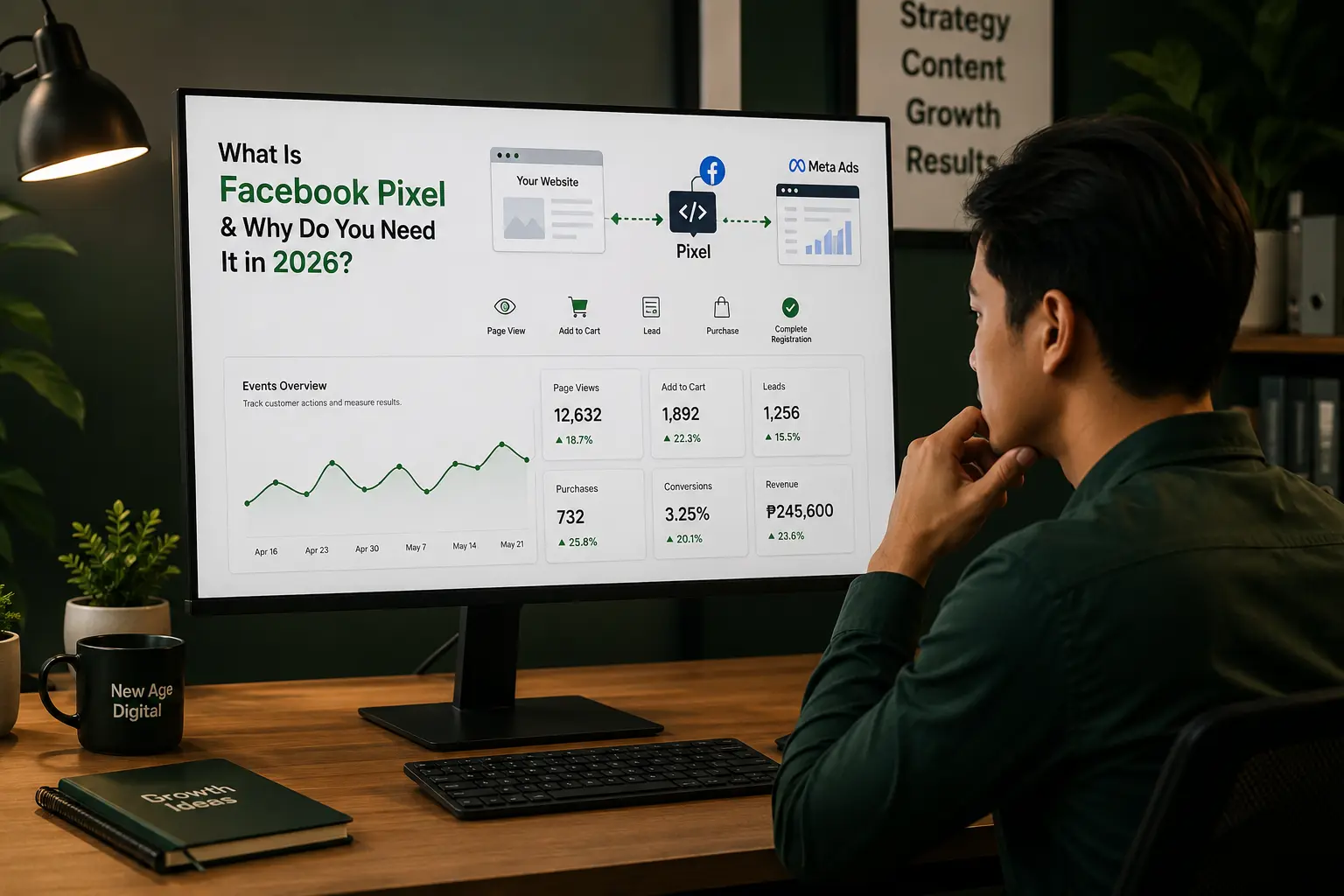
This small piece of code actually does a lot of jobs for you. It tells you what your audience is doing on your website once they click on your ad.
What is a Facebook pixel, and how does it work?
Facebook pixel is simply a code which needs to be added to your website. The moment you incorporate the script, it will start recording user behavior data.
For instance, it captures information on how many people are viewing the product, adding the product to their carts, and completing the purchase. All this information gets sent back to your Ads Manager.
The basic function
- Track conversion from your ads
- Build a custom audience based on visitor action
- Help you retarget people who already show interest
Many marketers skip this step because they think it’s too technical. But honestly, setup only takes a few minutes if you follow the right guide.
Why your business needs it in 2026
The advertising landscape keeps changing every year, and 2026 is not different. Privacy law is getting stricter, and third-party cookies are slowly disappearing.
This is where having a properly configured tracking tool becomes more important than before. Without accurate data, you are basically guessing what is working and what is not.
Better ad optimization
When you have enough conversion data flowing in, the Facebook algorithm learns faster who to show your ads to. It implies reduced waste in spending and increased leads that are more likely qualified.
Smarter retargeting
Have you ever been stalked by certain advertisements after visiting websites? That’s because of pixel tracking. This helps companies to keep in touch with prospective customers about the products that they may be interested in.
Measuring real ROI
In the absence of proper measurement, it will be hard to determine if your campaign is a profitable venture. You’re just looking at surface metrics like clicks and impressions, which don’t tell the full story.
How to set it up properly
- Go to your Meta Events Manager.
- Create a new pixel and give it a name.
- Copy the given code snippet.
- Paste it in the header section of your website before ending the head tag.
- Verify installation using the Meta Pixel Helper extension
Once it’s active, give it a few days to start collecting meaningful data before you make any big decision based on it.
Final thought
At the end of the day, running ads without a tracking tool is like driving blindfolded. You may make some progress, but you will have no idea how and why.
For those of you who wish to grow your company through paid advertising in 2026, this is one of the first things you need to do.