

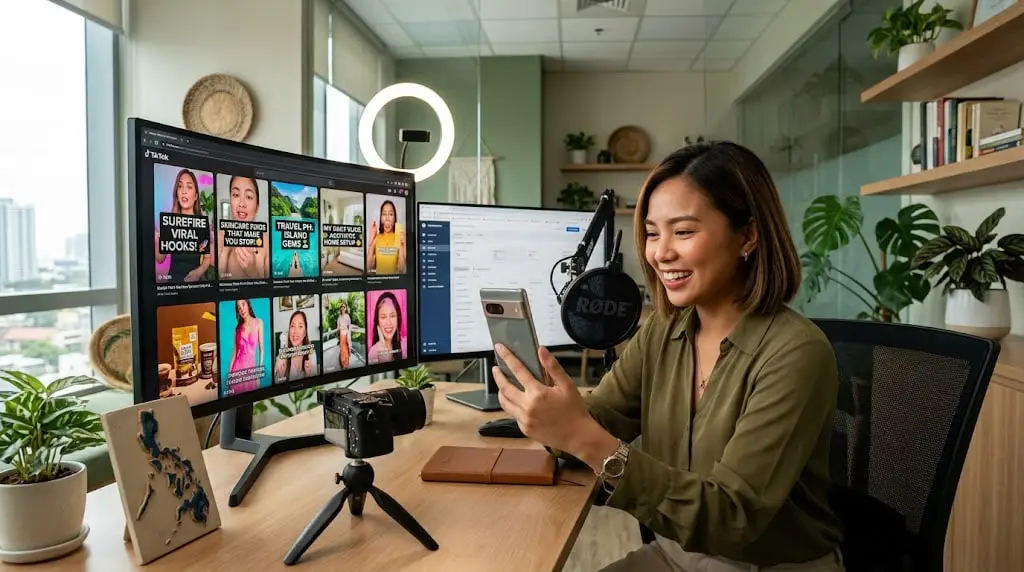
In a world where everyone is scrolling faster than they blink, your post only got a few seconds to make an impression. This is where scroll-stopping content comes in the kind of post that literally stops someone’s thumb mid-scroll and pulls them into what you’re sharing. If your content doesn’t do this, it will just become noise in a very loud feed.
Below, we are breaking down what makes content stop the scroll and how you can start creating it today, even if you are not a professional designer or copywriter.
What is scroll-stopping content?
Scroll-stopping content means any post, video, image, carousel, or caption that interrupts a person’s natural scrolling habit long enough for them to actually look, read, or engage. It does not have to be glamorous or costly; it just needs to create curiosity, emotion, or shock in the first second.
Think about it like this: your audience is scrolling through hundreds of posts a day. Only a handful of these actually earn a pause. The goal isn’t to be loud; it’s to be relevant and unexpected at the exact right moment.
Why the first three seconds matter most
Most platform algorithms judge engagement almost instantly. If a viewer swipes away in under two seconds, that tells the algorithm your content wasn’t interesting. So the opening frame, the first line of caption, or the thumbnail image carries more weight than people realize.
Why this kind of content matters for brands
Brands that consistently post attention-grabbing material tend to see more shares, saves, and comments. This isn’t only about vanity metrics, nor does it directly affect reach, because platforms reward content that keeps users on the app longer.
Small businesses especially benefit from this, since they often compete against brands with much bigger ad budgets. A clever hook can level that playing field without spending a dollar extra.

Tips for creating content that stops the scroll
Here are some practical ways to make your post more attention-worthy.
Use bold visuals.
Colors that are bright, images that are unexpected, and images taken up close always work better than generic pictures. Be careful not to use pictures that blend in with the app because that defeats the whole purpose.
Write captions that hook the audience.
Start your captions with questions or problems. Something like “you’re doing this wrong” or “nobody talks about this” tends to grab curiosity fast.
Keep it short and snappy.
Long paragraphs don’t work well on social feeds. Break your thoughts into short lines, use generous line breaks, and get to the point quickly. People decide within seconds whether they keep reading.
Add motion when possible.
Even a small movement, a subtle zoom, a text animation, or a quick cut can increase watch time compared to a static image. Motion naturally draws the eye, which helps interrupt the scroll pattern.
Common mistake to avoid
Many creators try too hard to be dramatic, and it ends up feeling fake or clickbait. Another mistake is posting content that looks exactly like everyone else in their niche, with the same template, the same font, and the same colors. Standing out means taking small risks sometimes.
Furthermore, don’t forget consistency. One good post won’t build an audience by itself. It’s the repeated effort, testing different hooks and formats, that eventually teaches you what your specific audience responds to.
Final thought
Creating content that actually stops people from scrolling isn’t about luck; it’s about understanding attention and using it wisely. Focus on a strong opening, keep the message clear, and don’t be afraid to test a new format. Over time, you build an instinct for what works, and your feed starts feeling less like noise and more like something people actually want to stop for.